Spamhaus DROP lists
How GeoMetrikks downloads the Spamhaus DROP lists, marks traffic from listed networks, and bans those networks through CrowdSec.
DROP stands for Don't Route Or Peer. Spamhaus publishes it as a list of IP networks that are hijacked or run by spam and cybercrime operations, so traffic from them is almost never legitimate. ASN-DROP lists whole autonomous systems run by such operations.
GeoMetrikks downloads both lists, matches your traffic against them and marks what it finds. It doesn't drop or block anything. The name is the list's. Banning a listed network is a separate step, through CrowdSec.
The feeds
GeoMetrikks reads three newline-delimited JSON feeds from Spamhaus:
| Feed | URL | Holds |
|---|---|---|
| DROP, IPv4 | https://www.spamhaus.org/drop/drop_v4.json | IPv4 networks, each with its SBL record id |
| DROP, IPv6 | https://www.spamhaus.org/drop/drop_v6.json | IPv6 networks, each with its SBL record id |
| ASN-DROP | https://www.spamhaus.org/drop/asndrop.json | AS numbers with their name, country and registry |
Each feed is checked on its own. A feed that fails to download, or whose content doesn't parse in full, keeps the rows from its last good download, and the other two carry on. A block page or a cut-off download never replaces good rows, because one bad line rejects the whole feed.
Settings
| Setting | Default | What it does |
|---|---|---|
DROP_ENABLED | true | Downloads the lists and marks listed traffic. With false, the downloads stop and every DROP element in the UI goes away: badges, outlines, the DROP card on Overview, the DROP tab on Security and the DROP lists card on Settings > About. |
DROP_REFRESH_HOURS | 24 | Hours between downloads. |
The scheduler runs the downloads. With SCHEDULER_ENABLED=false nothing downloads or refreshes, but lists already in the database keep loading, so their markings stay and go stale. A database that never downloaded the lists marks nothing. The first run comes a minute after startup. At that run a feed that downloaded within the last DROP_REFRESH_HOURS is skipped, so a restart doesn't refetch everything. A feed is never fetched again within an hour of its last attempt, whatever DROP_REFRESH_HOURS says, and Run now on Settings > Scheduler follows the same rule.
Only the full instance downloads the lists. An agent never does, and doesn't need to.
Settings > About has a DROP lists card with the state of the lists, the record count of each feed, the last error of a failing feed, and Spamhaus's copyright line and terms of use.
How listed traffic shows up
- An IP on a DROP network gets a dashed red outline wherever the app shows it as a label, in tables and in map popups. A CrowdSec decision is a red fill, so a banned DROP address shows the fill inside the outline. The tooltip names the SBL record. An address on AbuseIPDB's blacklist gets the same outline, and its tooltip names that list.
- A DROP badge, red text in a red ring with a stop icon, names the listing in the IP inspector, the IP actions menu, record sheets and map popups. Its SBL id links to the record on
check.spamhaus.org. - On Analytics, a Top ASNs row for an AS on ASN-DROP carries a DROP badge, and the Traffic Origin card counts DROP traffic apart from hosting traffic. Overview has a Spamhaus DROP card with the share of requests from ASN-DROP networks.
- The IP inspector shows a DROP ASN chip for an address in a listed AS.
- An abuse report for a listed address or AS warns that the abuse contact may belong to the same people.
Under every DROP figure, an attribution line credits The Spamhaus Project and gives the time of the last good download. When no download of the list behind the figures has worked for 7 days, the line adds a note that the list is out of date. Check Settings > About for the error, and check that the server can reach www.spamhaus.org.
The DROP networks card
With CrowdSec set up, the Security page has a DROP tab holding a card named DROP networks in your traffic. The card lists every DROP network that sent requests in the last 7, 30 or 90 days, busiest first, with its SBL record, ASN, hits, distinct IPs, last request and ban status. A client inside nested networks counts under the narrowest one. The tab appears once a network feed has downloaded, and /security?tab=drop links to it.
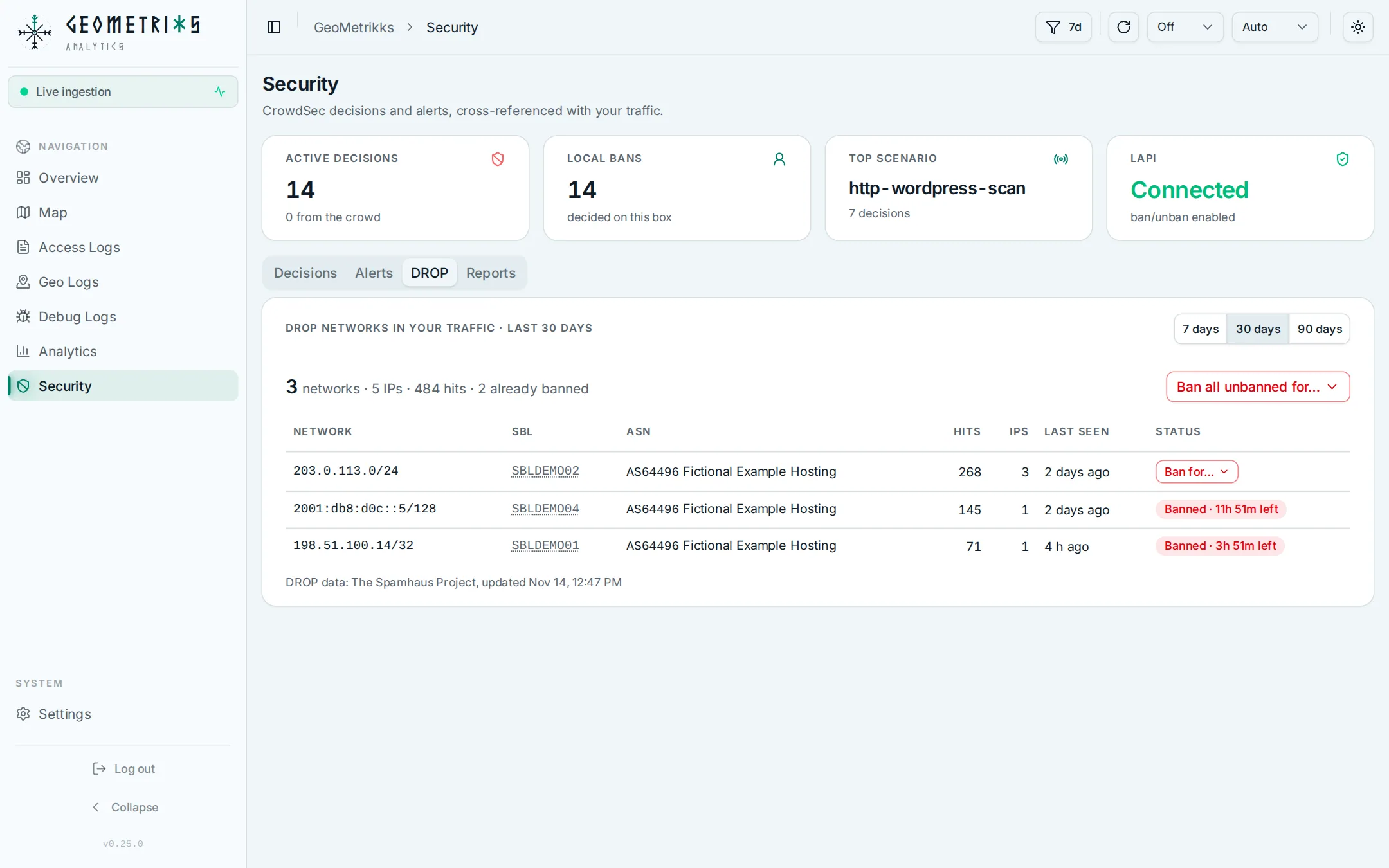
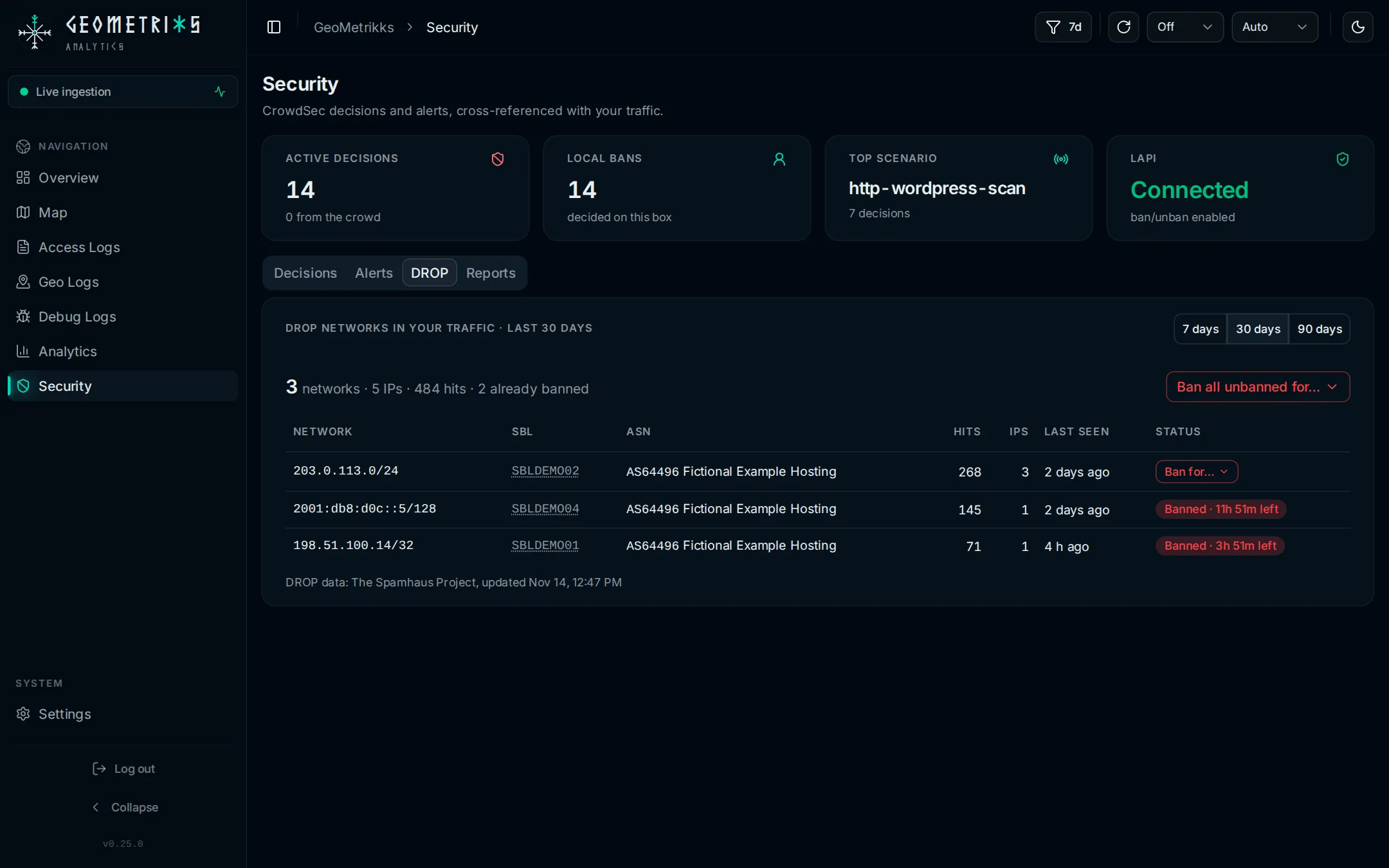
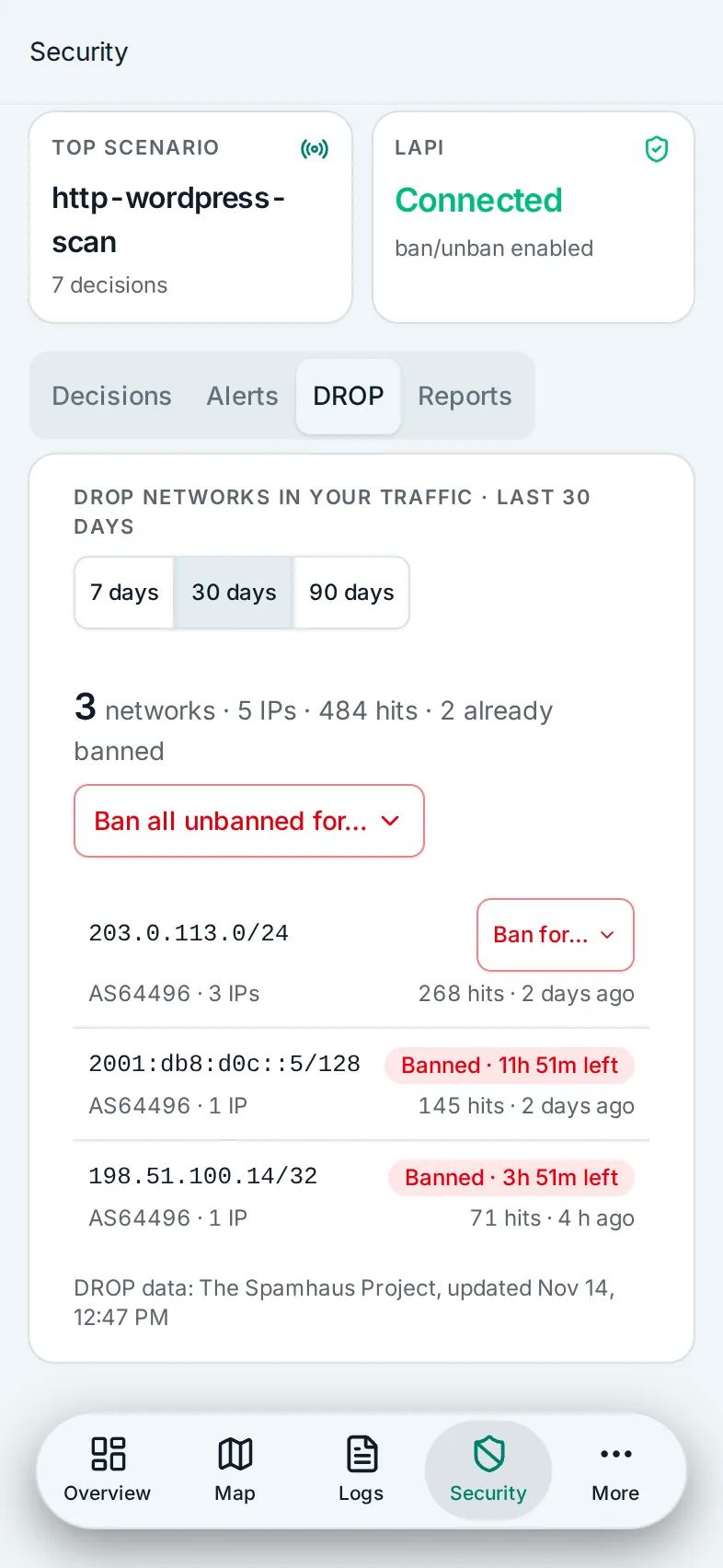
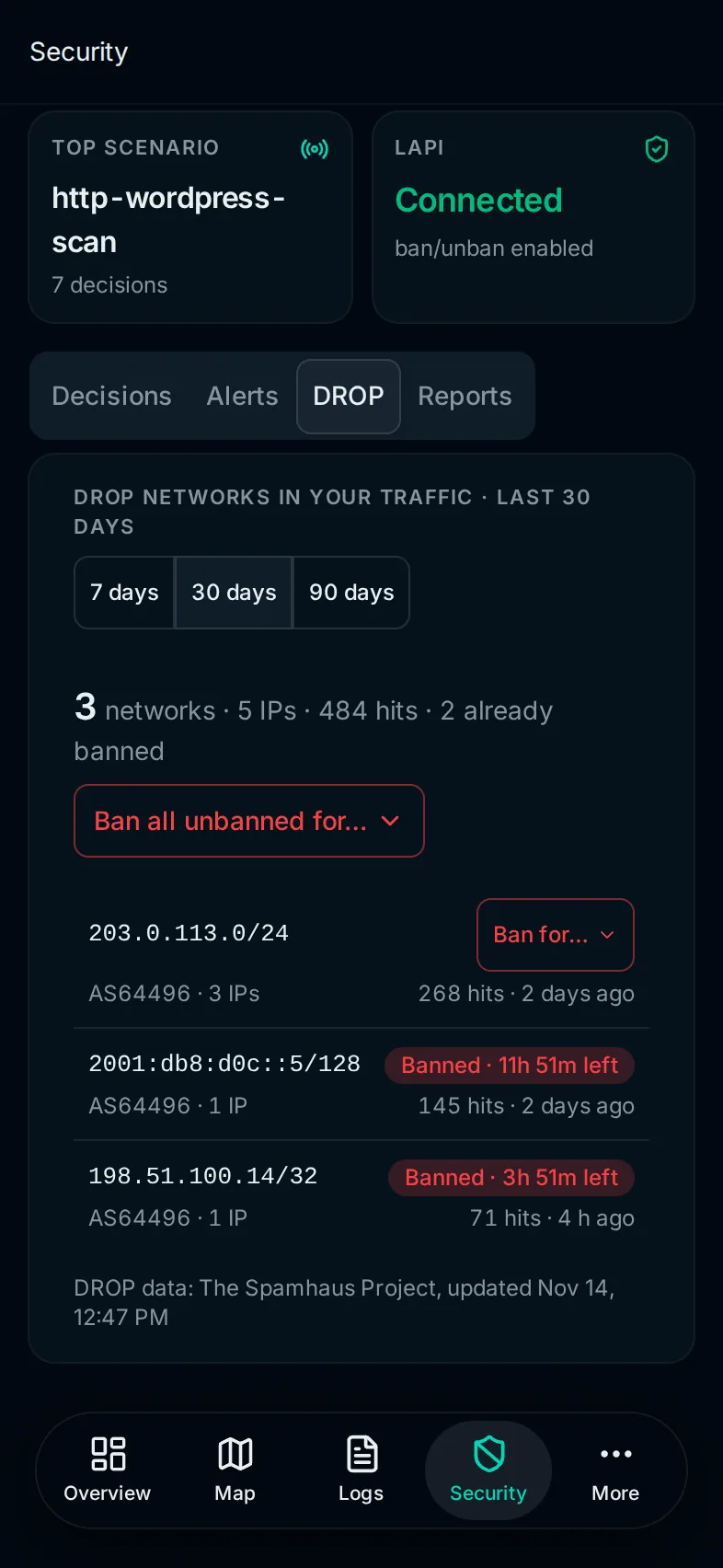
With CrowdSec machine credentials, CROWDSEC_MACHINE_ID and CROWDSEC_MACHINE_PASSWORD, each row has a ban button, and Ban all unbanned for… bans every listed network with traffic in the window and no ban yet, on every page of the card. Each ban is a CrowdSec Range decision, or an Ip decision for a network of one address, with the reason Spamhaus DROP <SBL id>. A network with an active decision of any type keeps it and gets no new one. One run bans at most the 1,000 busiest networks; run it again for the rest. It stops early after three unreachable answers from the Local API in a row or after 120 seconds, and the card counts the networks it didn't get to. When the Local API doesn't answer at all, the card still lists the traffic and says the ban status is unknown.
The IP actions menu and the abuse report dialog can also ban the DROP network behind a single address.
The same ban runs over the API with POST /api/v1/crowdsec/ban-networks. Give a duration such as 4h or 7d, then either name the networks or set allUnbannedDays to 7, 30 or 90 to ban every unbanned network with traffic in that many days. A request with both, or neither, gets a 400. It needs a browser session or a Read/write API key; a Read key gets a 403. Without machine credentials on the server it answers 403 too.