Introduction
What GeoMetrikks does, what it runs on and which outside services it contacts.
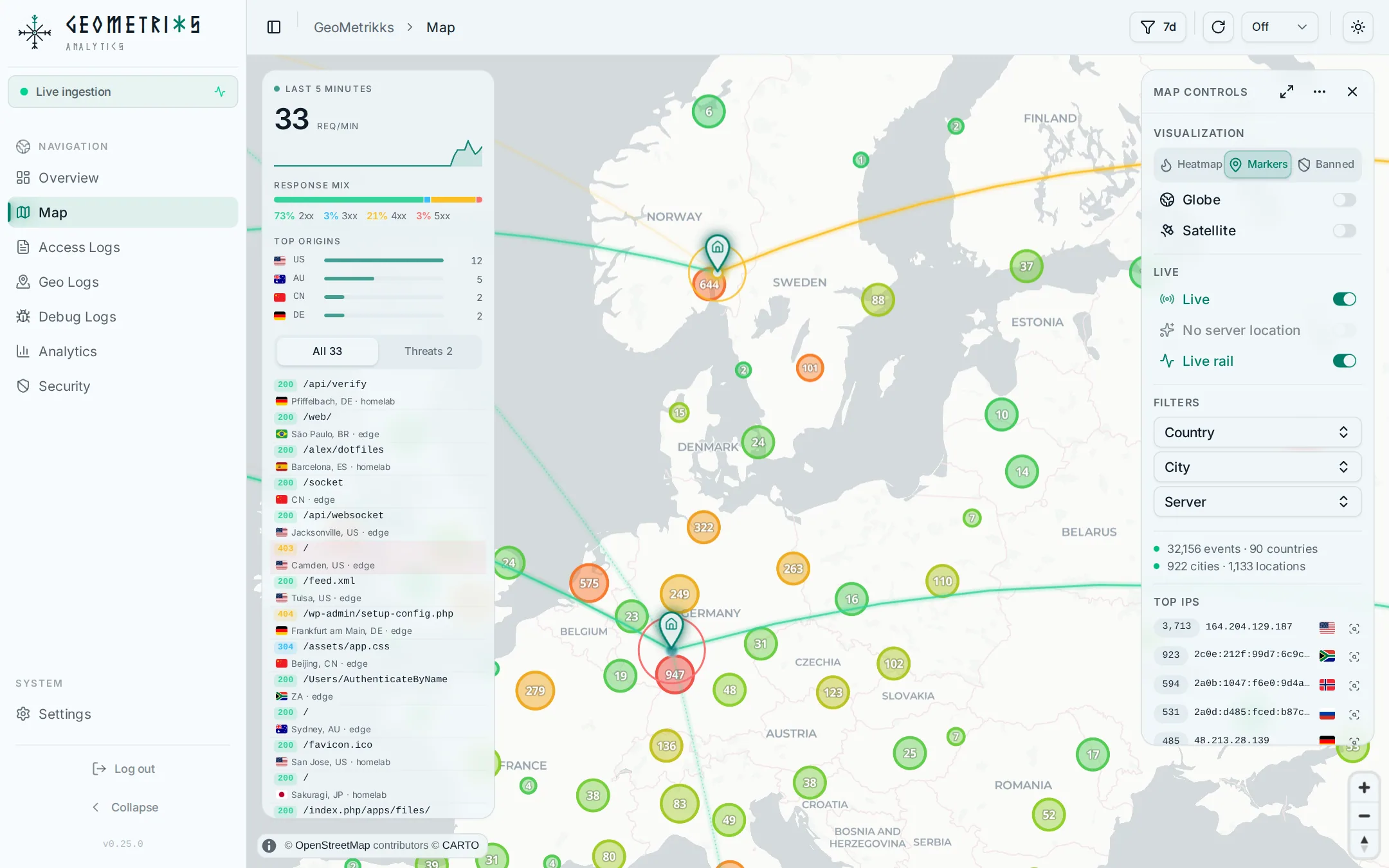
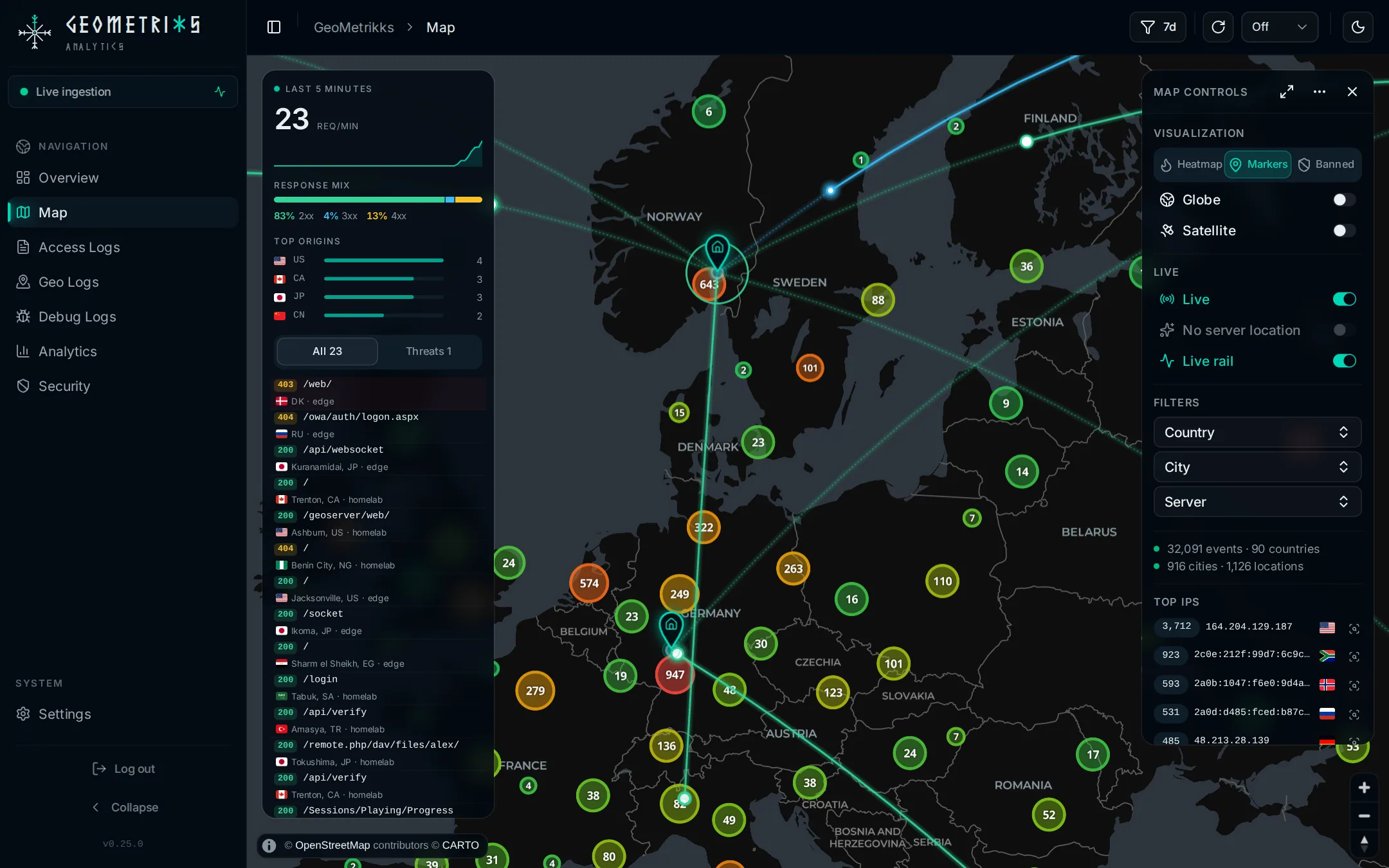
GeoMetrikks reads the access logs your reverse proxy writes, looks up where each request came from in MaxMind's GeoLite2 databases, and shows the result on a live world map and a traffic analytics dashboard. If you run CrowdSec, it connects to the CrowdSec Local API, so you can see who is banned next to the traffic they sent and ban or unban an IP from the app.
What it reads
GeoMetrikks tails log files from nginx, Nginx Proxy Manager, Traefik and Caddy. Pangolin works through its Traefik log. If your proxies already ship their logs to Grafana Loki, GeoMetrikks can read the lines from Loki instead of a mounted file, or do both side by side. Archived and rotated logs, plain or .gz, can be imported after the fact.
With several proxies or hosts, each request records the server it came from, and Access Logs, Geo Logs and the map filter by server.
What you get
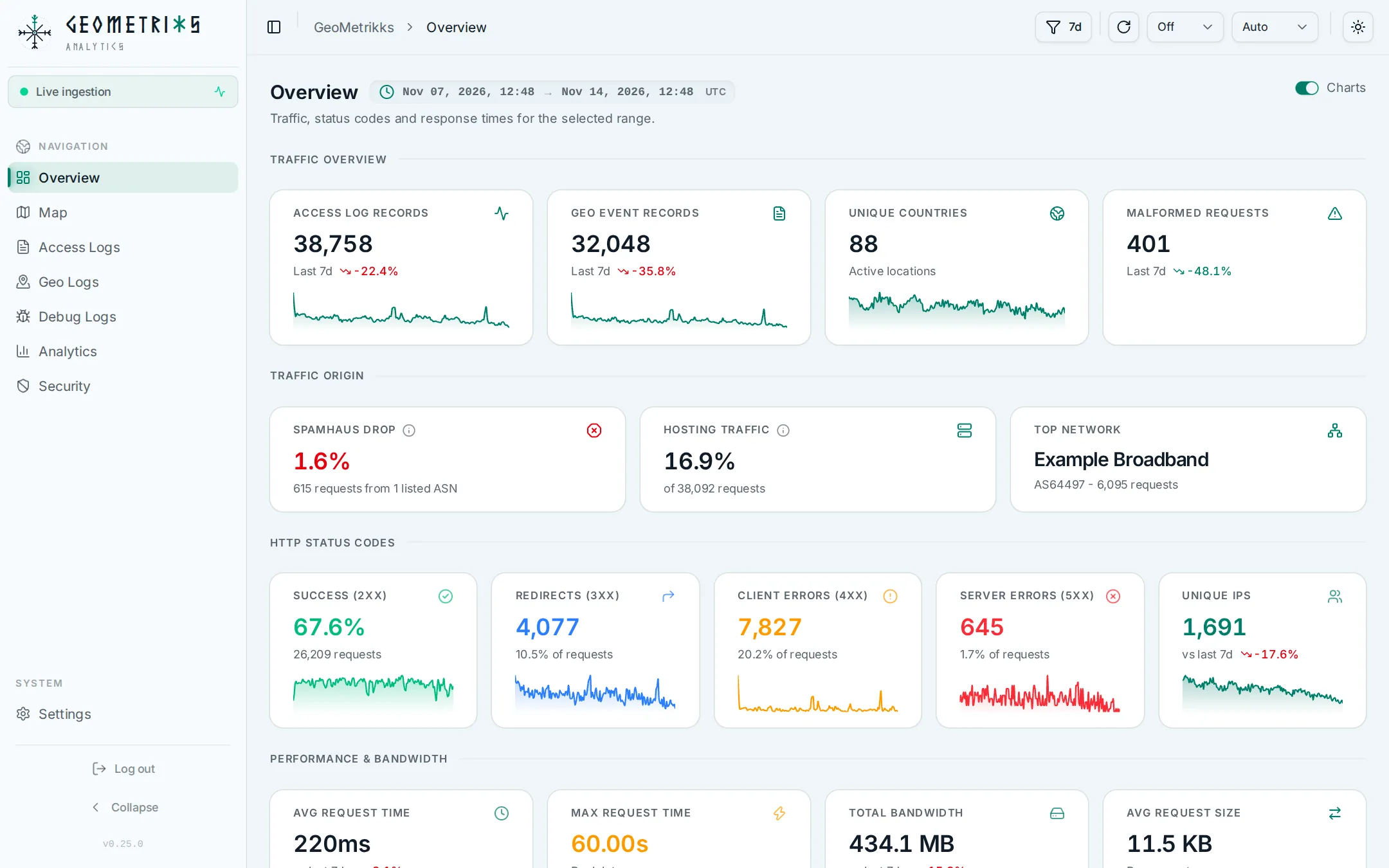
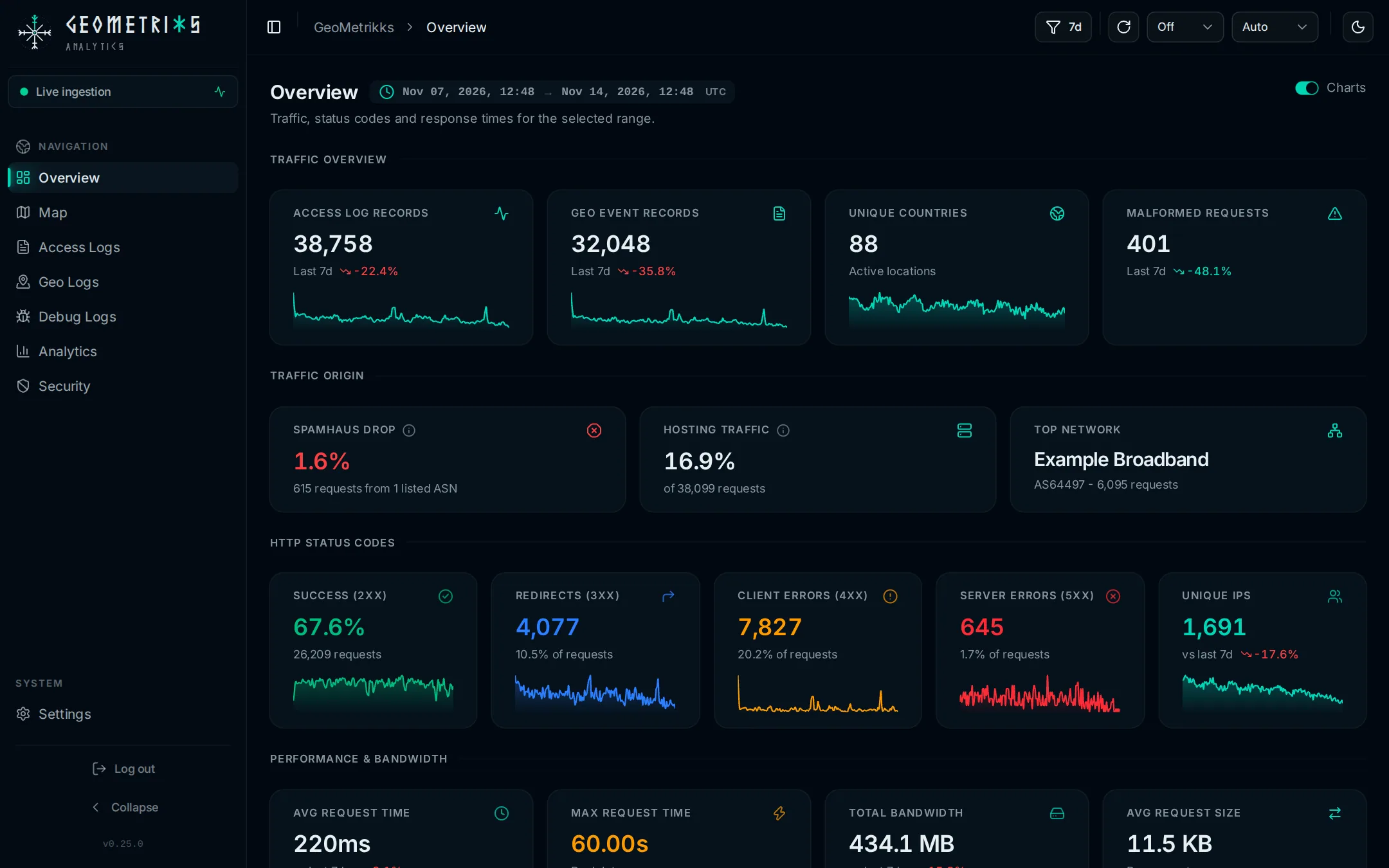
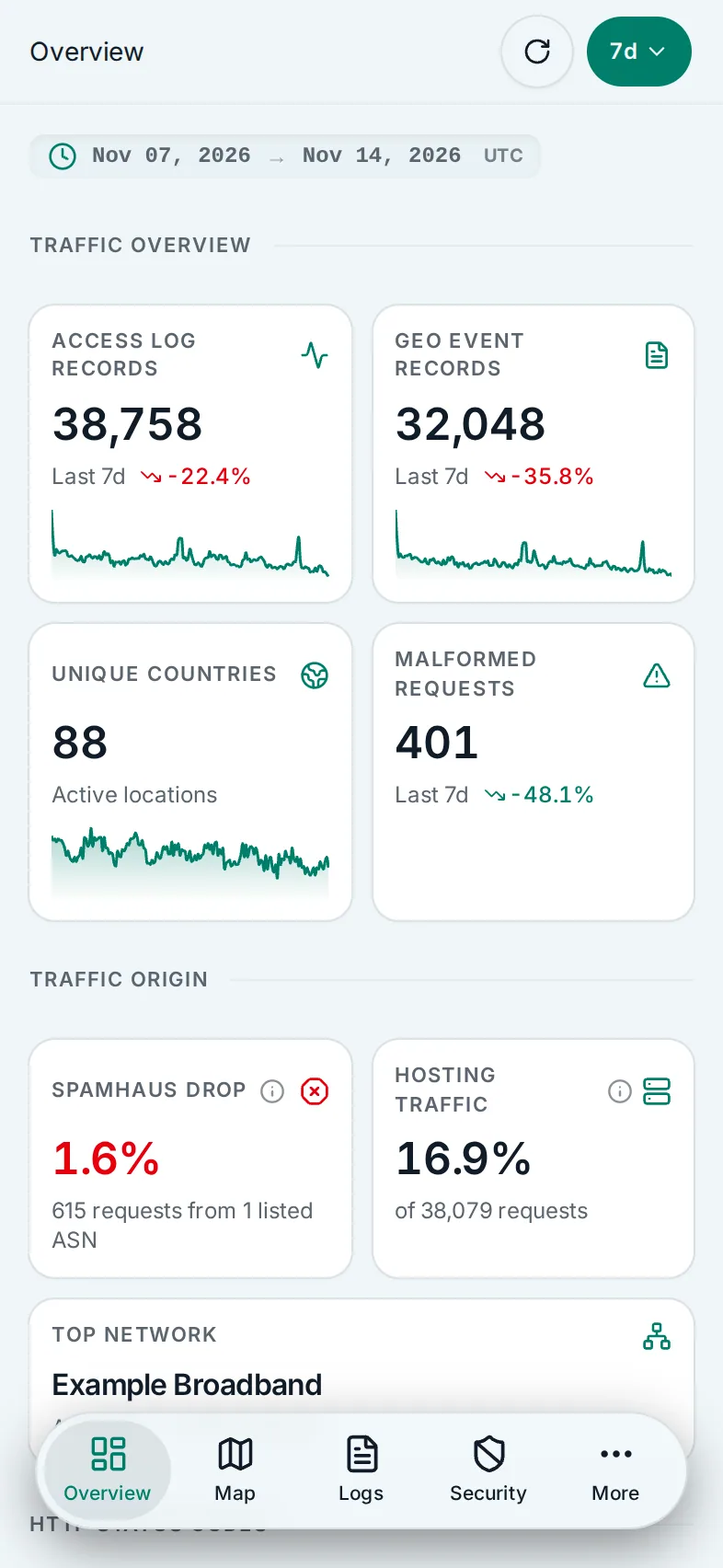
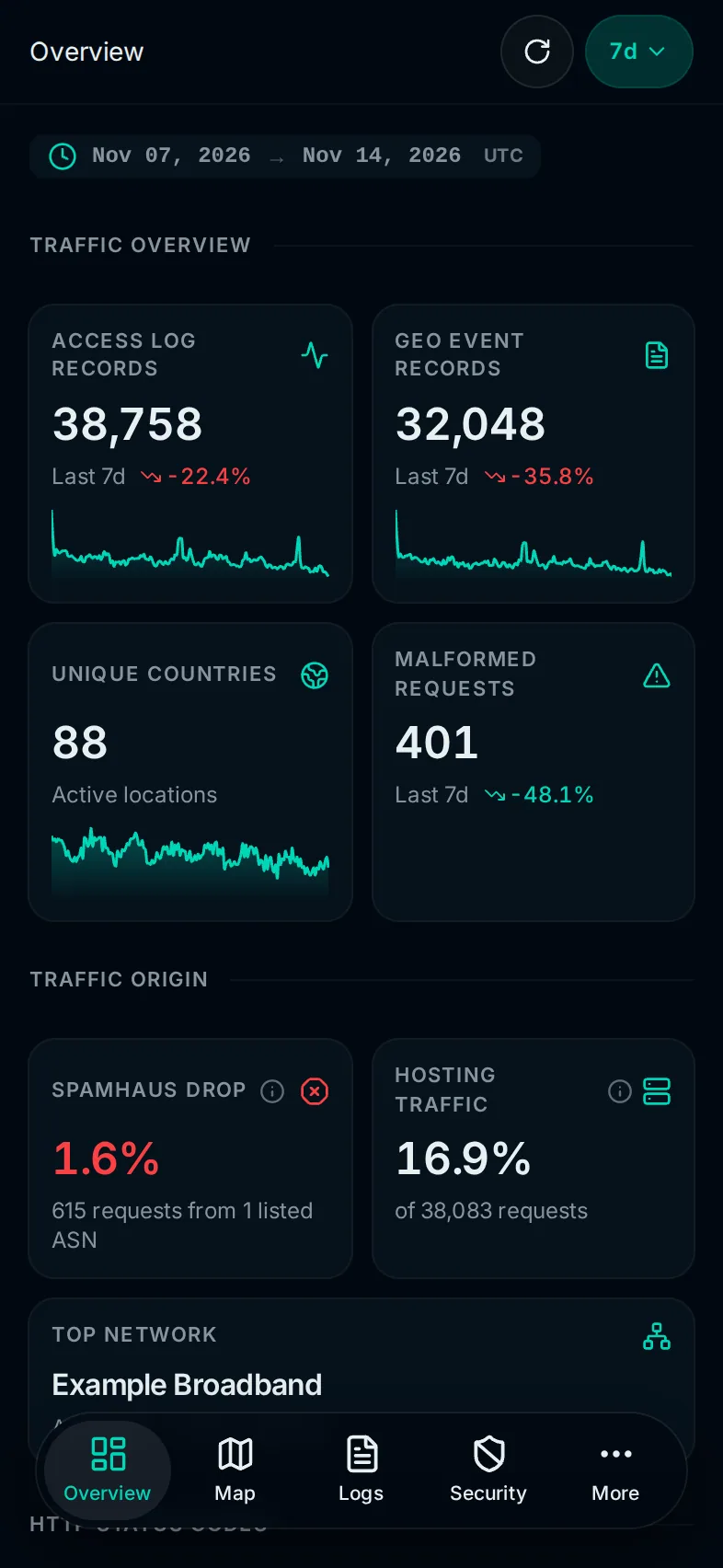
The Overview page shows requests, bytes, unique visitors and the status mix for the selected time range, with trends against the previous range.
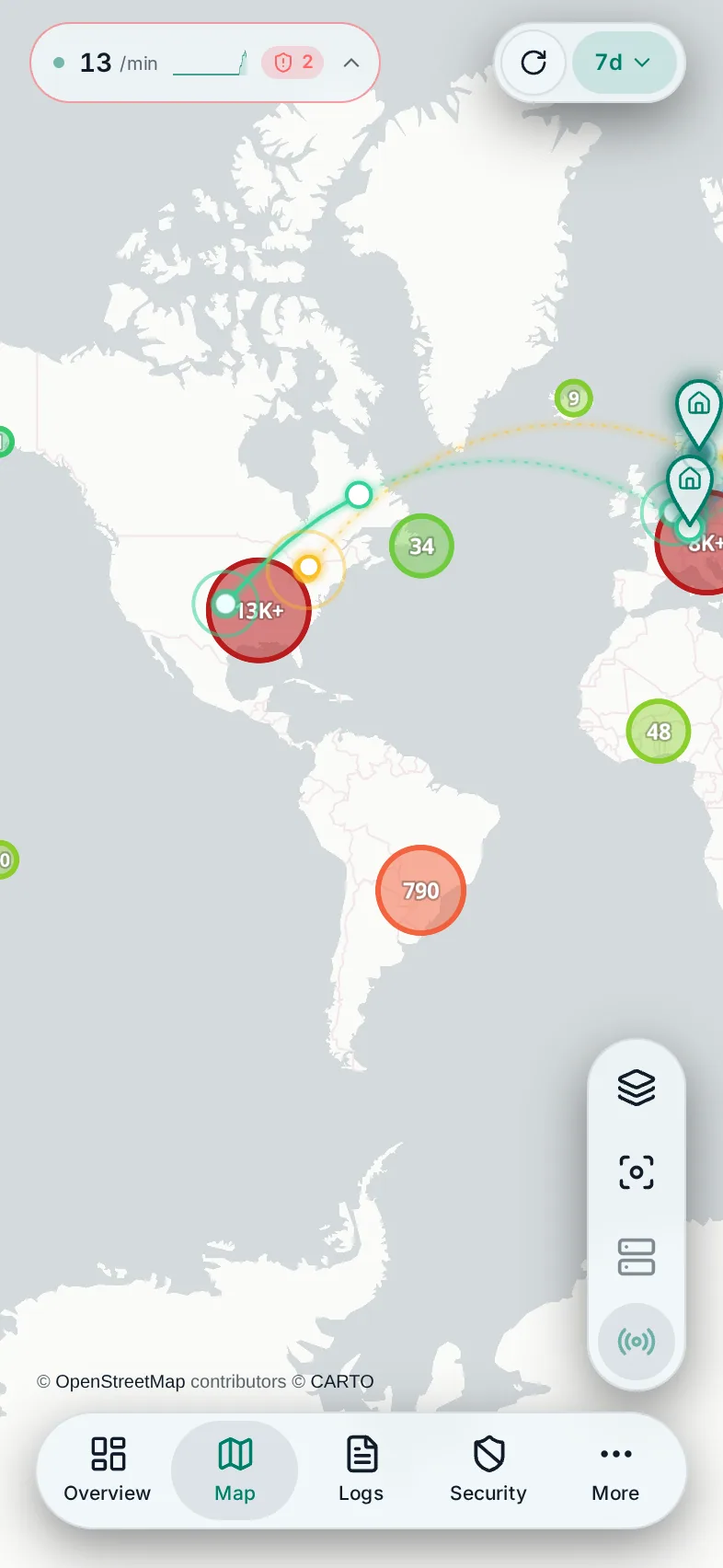
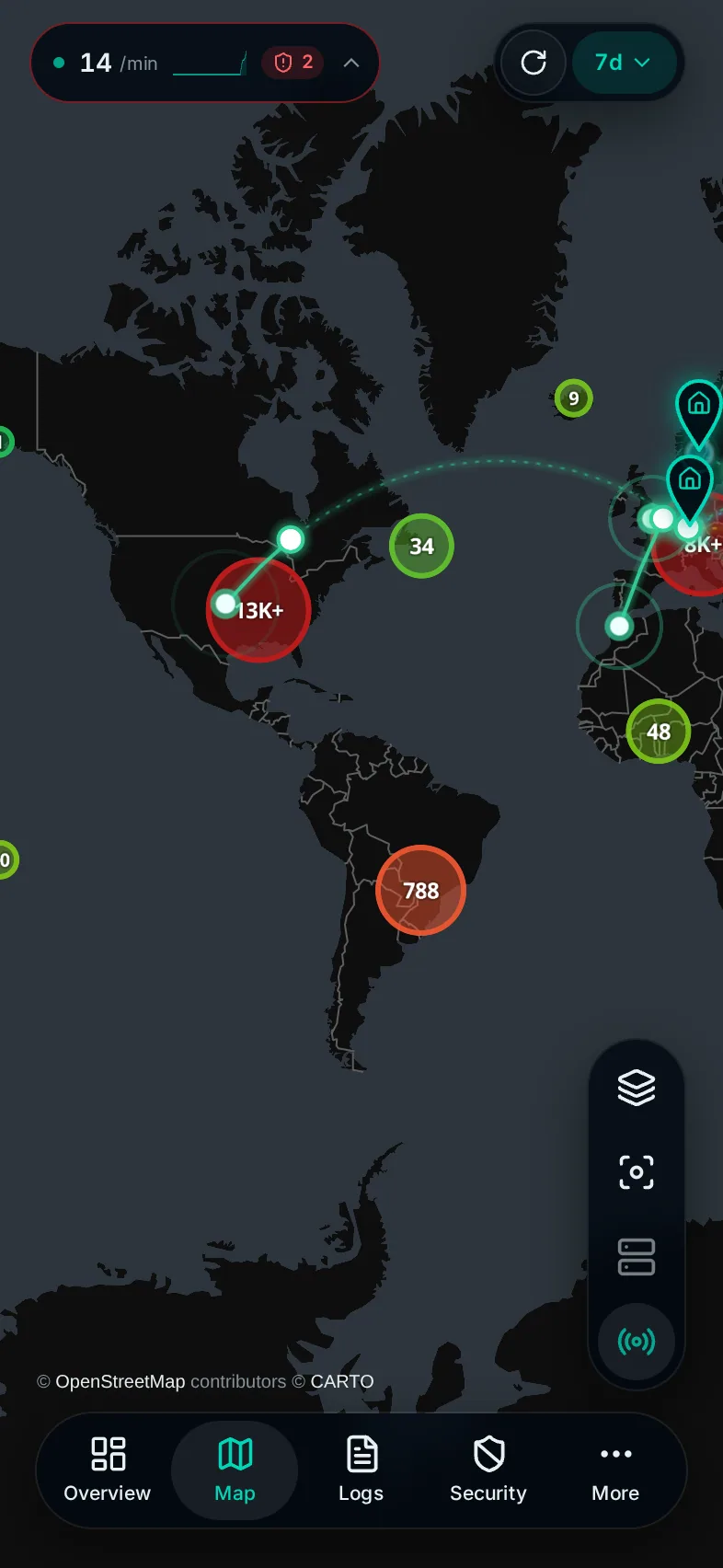
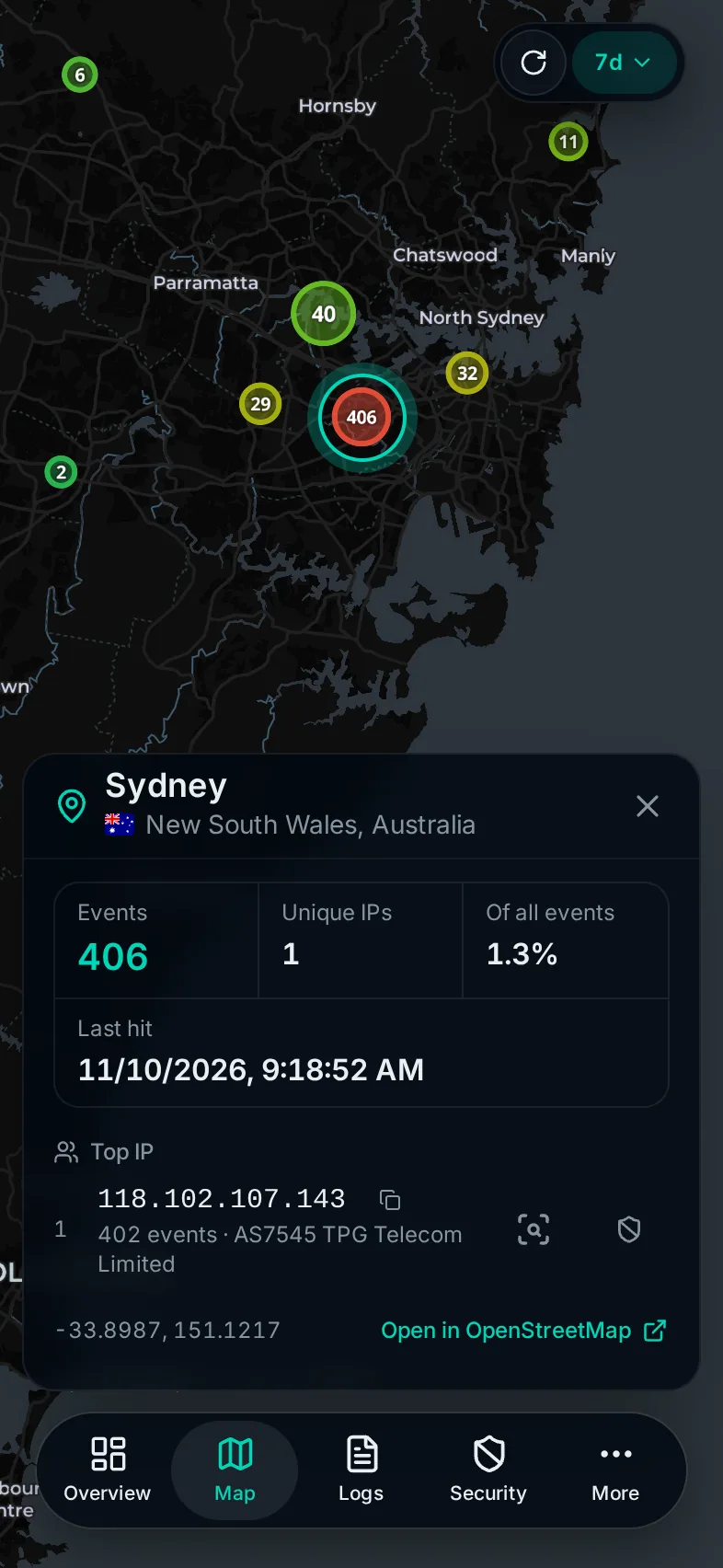
Within seconds of ingestion, the map draws every request GeoLite2 can place. A request with no location in the database stays off the map but still shows up in Access Logs. Click a marker to see the location, its top IPs and the network behind each. See Map.
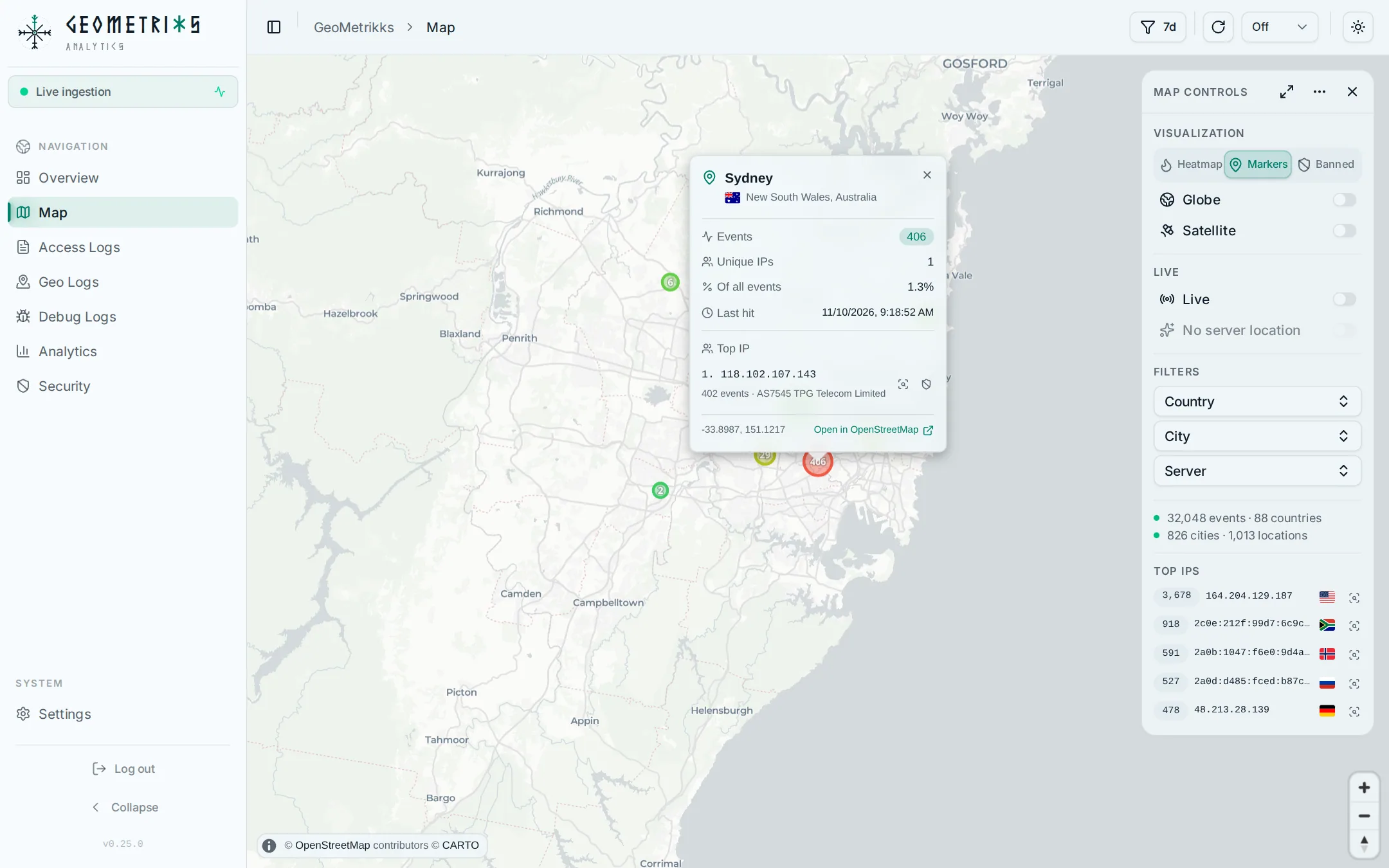
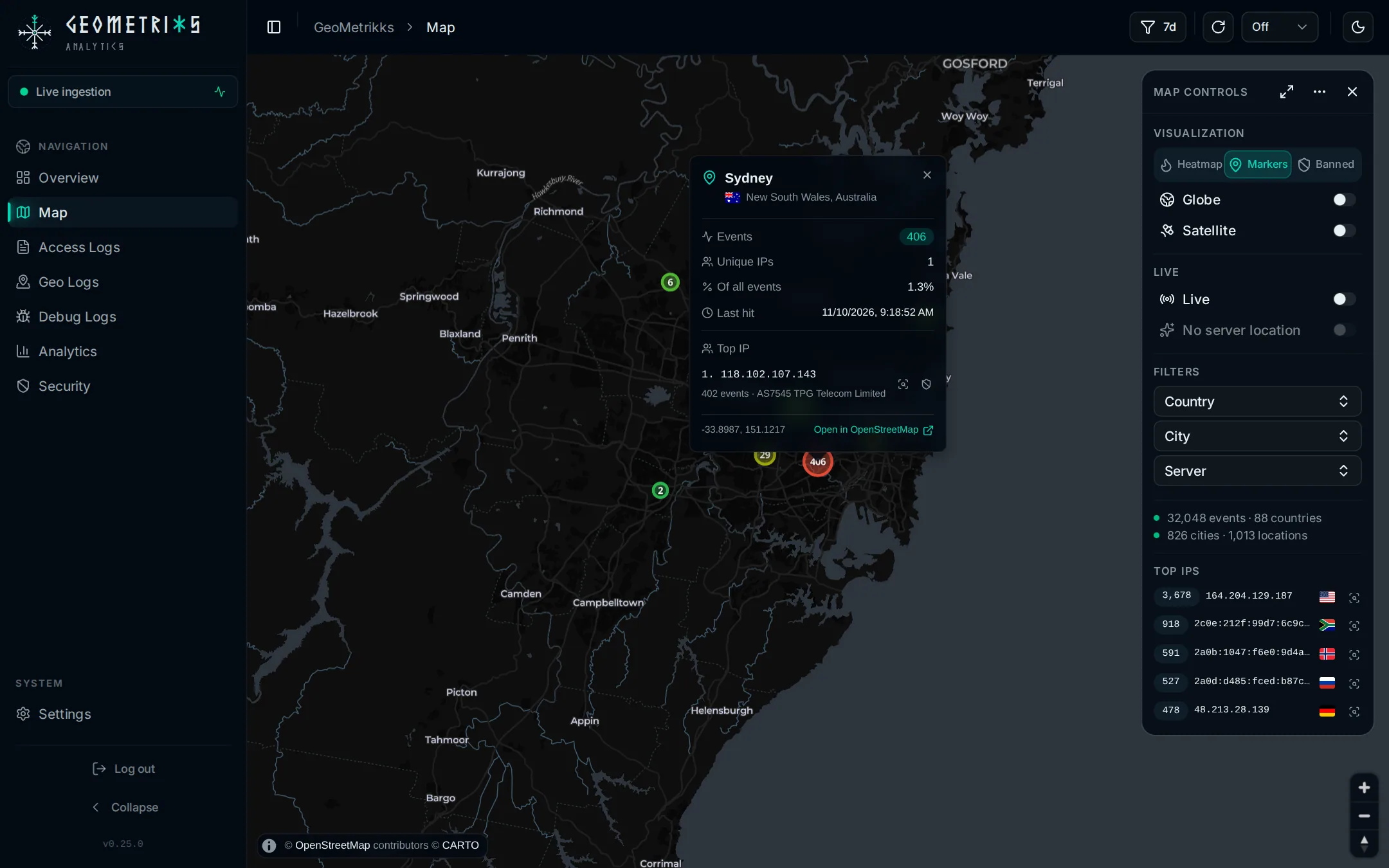
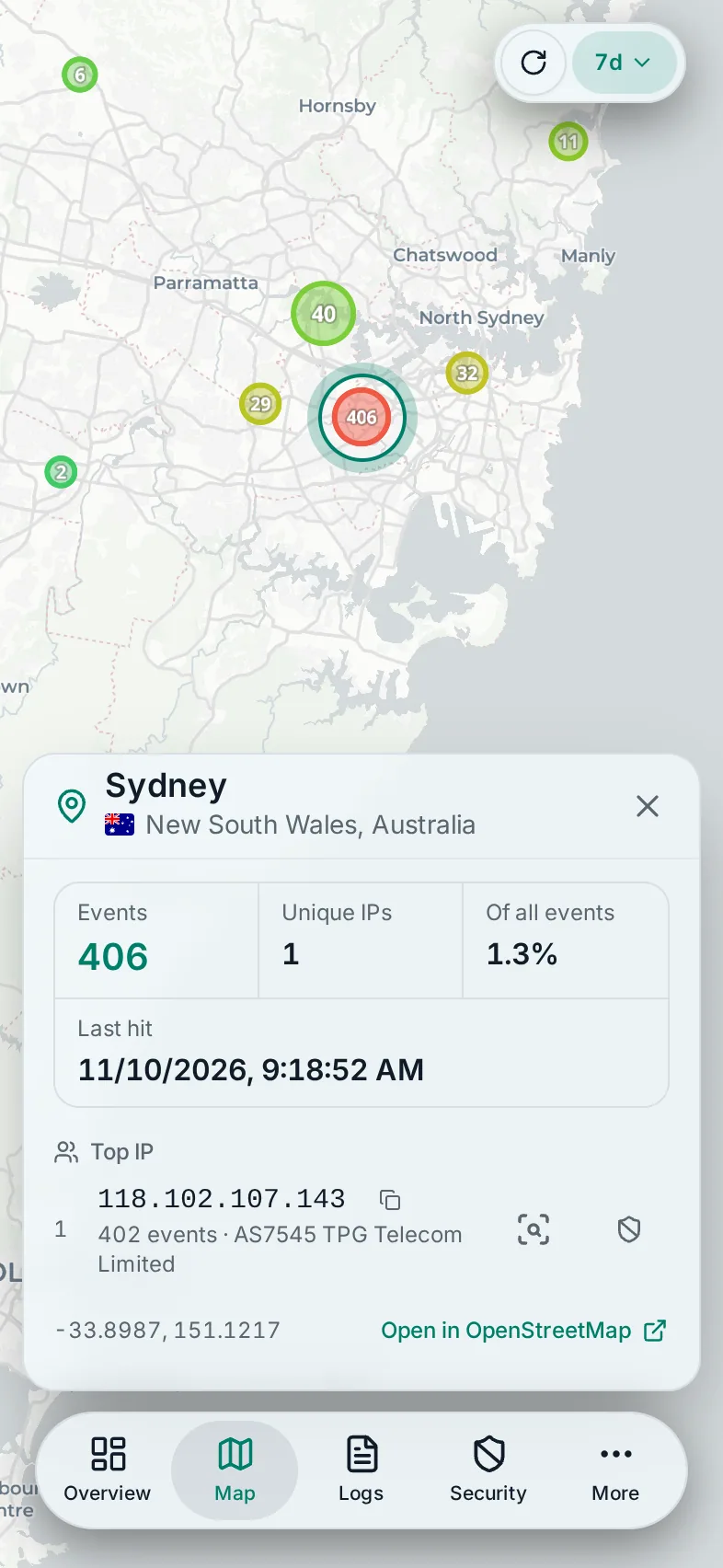
Analytics has request volume, latency and bandwidth charts, top URLs, user agents, status codes and the networks (ASNs) your traffic comes from. Access Logs is a searchable history of every request, Geo Logs groups traffic by location, and Debug Logs shows lines that failed to parse.
How it runs
GeoMetrikks is one container, ghcr.io/gilbn/geometrikks, plus a TimescaleDB database, which is PostgreSQL with the TimescaleDB extension. The compose file in the repository starts both. The app serves its web UI and API on port 8000, and the image runs on amd64 and arm64.
Outbound traffic
The server makes these requests on its own:
| Request | When | How to turn it off |
|---|---|---|
GeoLite2 City and ASN downloaddownload.maxmind.com | At startup when the file is missing or older than GEOIP_REFRESH_DAYS (default 7), then every GEOIP_REFRESH_DAYS | Leave MAXMINDDB_USER_ID and MAXMINDDB_LICENSE_KEY unset. Without a database file the app has no geo lookups. GEOIP_ASN_ENABLED=false skips only the ASN download. |
Public-IP lookup for the server's map locationapi64.ipify.org, or MAP_PUBLIC_IP_URL | At startup, then every MAP_SERVER_LOCATION_REFRESH_HOURS (default 24) | MAP_AUTO_DETECT_SERVER_LOCATION=false, or set MAP_SERVER_LATITUDE and MAP_SERVER_LONGITUDE |
Update checkapi.github.com | Every 12 hours | APP_UPDATE_CHECK=false |
Spamhaus DROP listswww.spamhaus.org | Every DROP_REFRESH_HOURS (default 24) | DROP_ENABLED=false |
Abuse contact lookup over RDAPdata.iana.org, then the registries below | Only when someone clicks Find abuse contact in an abuse report, or calls the abuse contact API | Don't use it. Only the IP address or AS number leaves the server. |
AbuseIPDB scoreapi.abuseipdb.com | When someone opens a public IP in the IP inspector, presses Check in an AbuseIPDB report, or calls the check API. An IP checked in the last 15 minutes is usually not sent again. | Leave ABUSEIPDB_API_KEY unset. Only the IP address and your key leave the server. |
AbuseIPDB reportapi.abuseipdb.com | Only when someone sends a report | ABUSEIPDB_REPORTING_ENABLED=false, the default. AbuseIPDB publishes the IP, the categories, the comment and the attack time. |
AbuseIPDB blacklistapi.abuseipdb.com | Every ABUSEIPDB_BLACKLIST_REFRESH_HOURS (default 24), never twice within 5 hours | ABUSEIPDB_BLACKLIST_ENABLED=false, the default, or a list you download yourself in ABUSEIPDB_BLACKLIST_FILE. Only your key leaves the server. |
The RDAP lookup asks data.iana.org which regional registry holds the address (ARIN, RIPE NCC, APNIC, LACNIC or AFRINIC), then asks that registry, and any national registry it redirects to, such as rdap.registro.br. Every hop is https.
The update check, the DROP lists and the AbuseIPDB blacklist run on the full instance only, never on an agent.
On top of these, the server talks to the services you configure: the CrowdSec Local API (CROWDSEC_LAPI_URL), Loki (LOKI_URL) and your OpenID Connect provider (OIDC_ISSUER). Each one stays unused until you set it.
The map's basemap tiles come from CARTO. The reader's browser fetches them from basemaps.cartocdn.com, not the server, and sends the key in MAP_CARTO_API_KEY with every tile request. With MAP_ESRI_API_KEY set, the Satellite view also fetches imagery from ibasemaps-api.arcgis.com, again from the browser and with that key.
Where to go next
- Quickstart gets the app running with Docker Compose.
- GeoLite2 and the CARTO key covers the two free keys the app needs.
- Upgrading lists what changes between releases and the one-off commands some upgrades need.
- The configuration reference lists every setting with its default.
- Log sources has a setup page for each proxy and for Grafana Loki, and Multiple sources covers several proxies writing into one database. Real client IP behind a proxy covers a CDN or tunnel in front of your proxy.
- Features covers the map, the app page by page, the IP inspector, Spamhaus DROP lists and abuse reports, plus CrowdSec and authentication.
- Operate covers the reverse proxy in front of the app, deployment, the CLI commands and common questions.
- Contribute covers the development setup and the API conventions.