Muted IPs
Save your own IPs and CIDR ranges in the database and hide them from Access Logs, Geo Logs and Analytics with one switch.
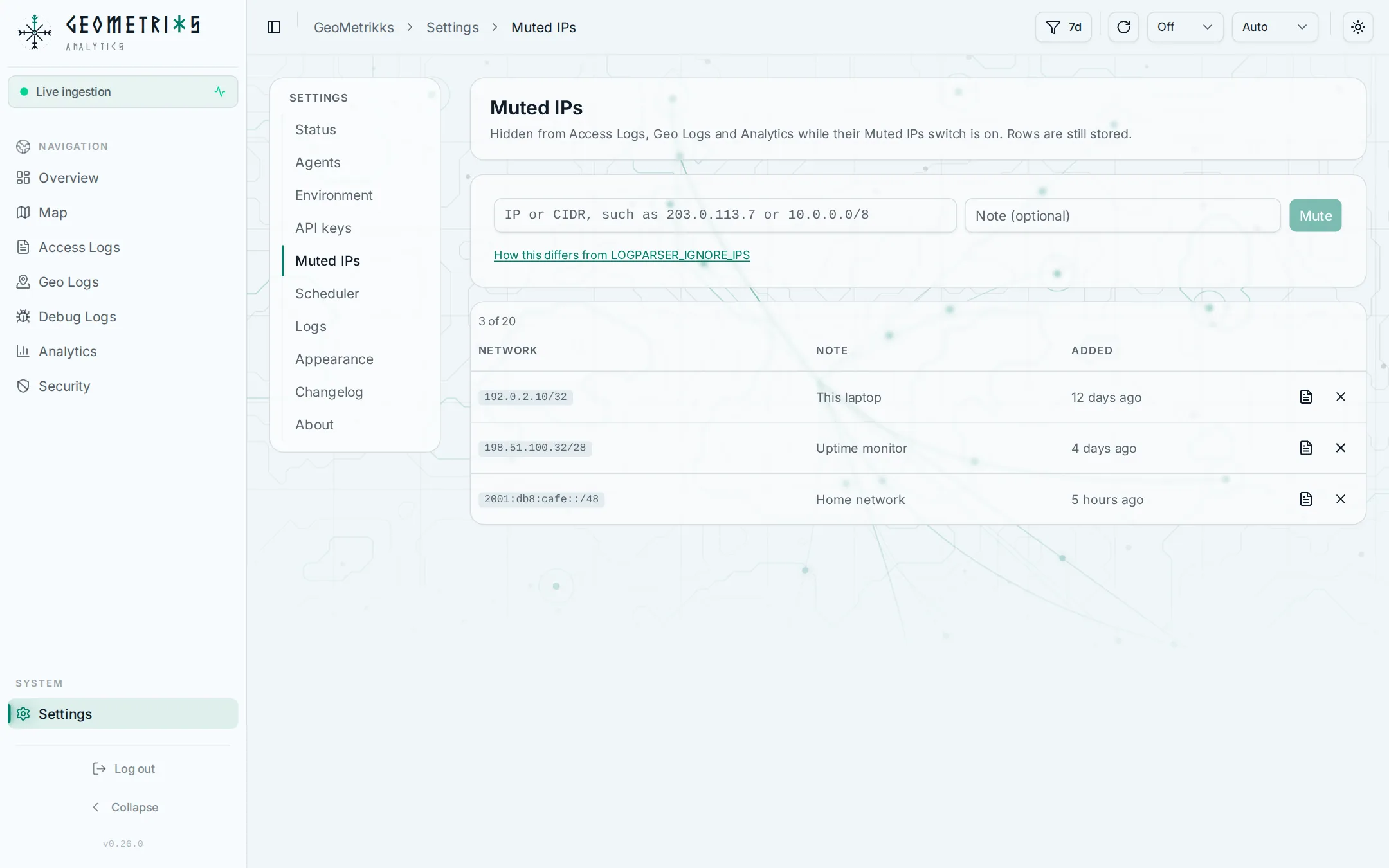
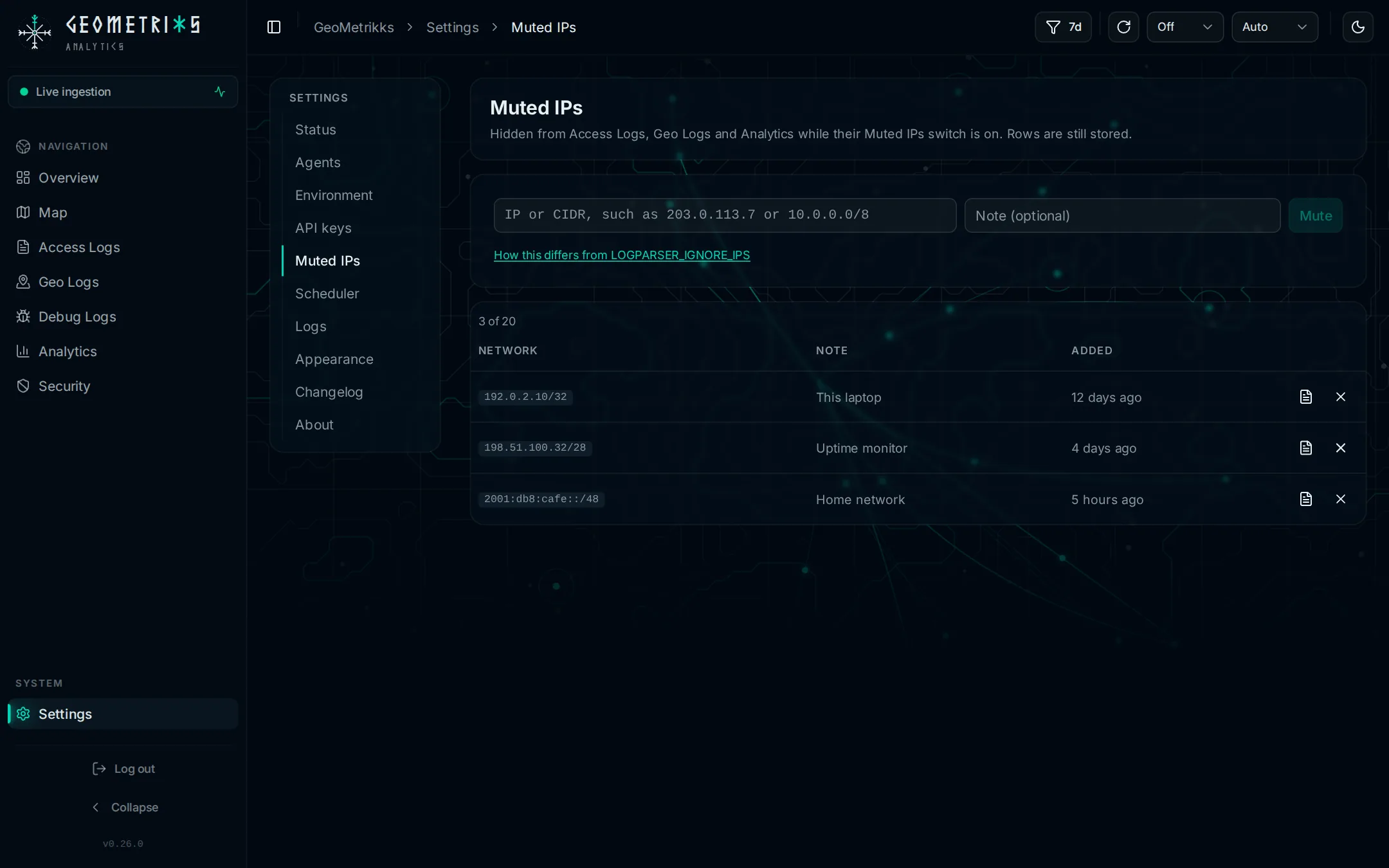
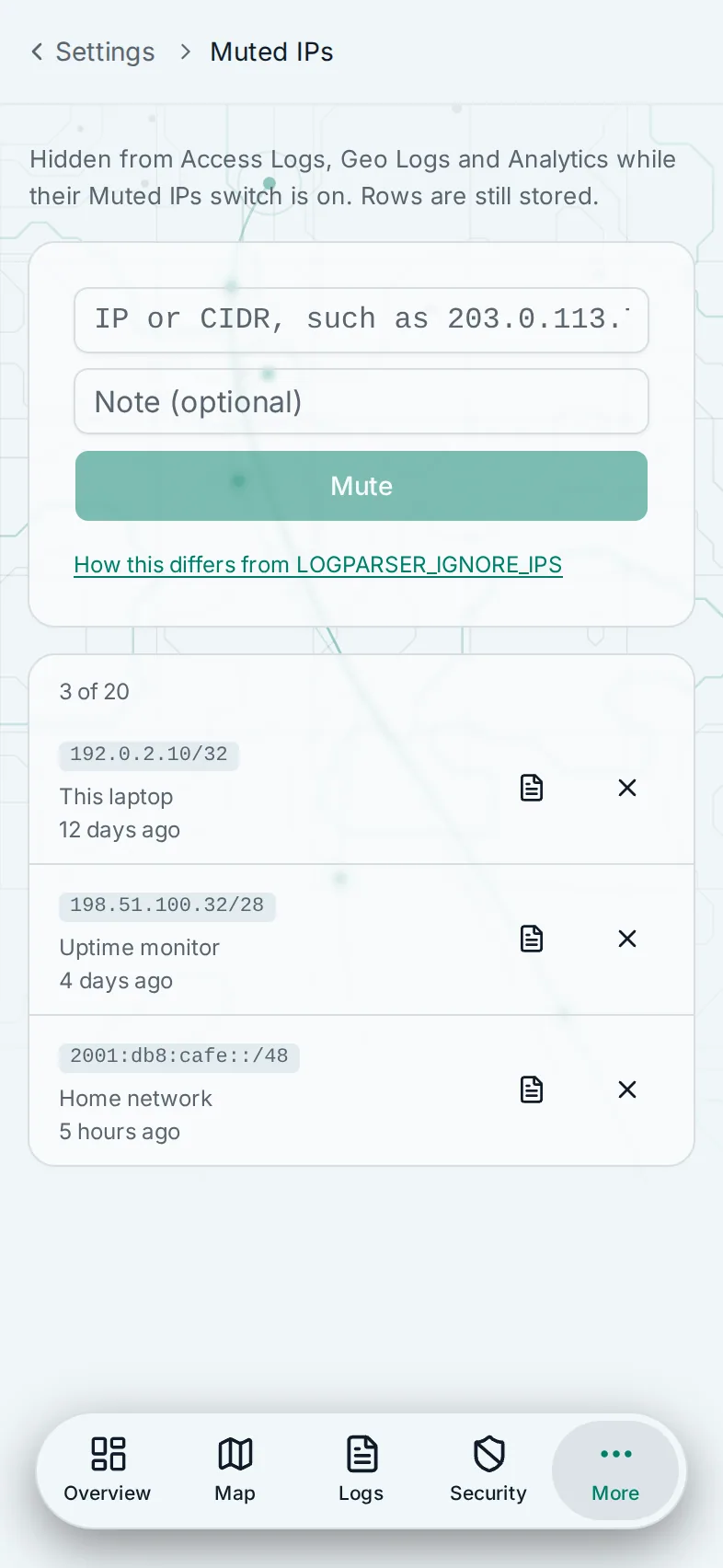
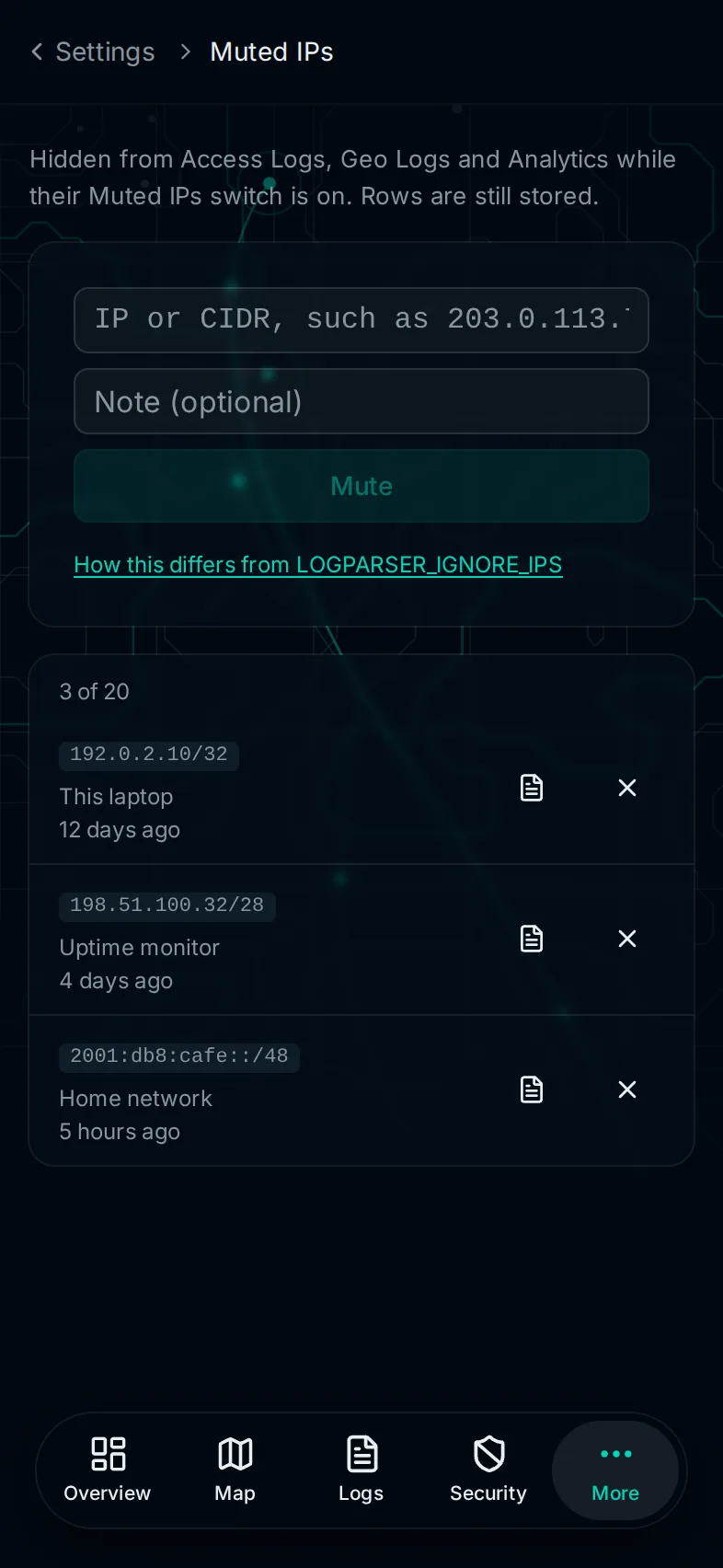
Muted IPs is a saved list of IP addresses and CIDR ranges stored in the database. While the Muted IPs switch is on, Access Logs History, Geo Logs and Analytics hide matching traffic without deleting anything. The list holds up to 20 entries, each with an optional note of up to 100 characters, and changes take effect at once with no restart.
How Muted IPs differ from other filters
GeoMetrikks has three ways to keep your own traffic out of view, each for a different job.
| Feature | Where it lives | What it takes | What happens to rows |
|---|---|---|---|
| Muted IPs | Database, edited in the app | Up to 20 IPs or CIDR ranges | Rows stay stored and appear again when you flip the switch |
| Exclude IP | Page URL | IPs or CIDR ranges | Rows stay stored, and the filter clears when you leave the page unless bookmarked |
LOGPARSER_IGNORE_IPS | Environment variable or .env | IPs or CIDR ranges | The parser drops matching lines at ingest, so no access log, geo event or debug row is ever stored |
Muted IPs stays separate from Exclude IP and out of page URLs. Exclude your IP on Access Logs and Geo Logs looks up your current address each time you tap it and saves nothing.
Adding and removing entries
You can manage the list in two places.
- Open Settings > Muted IPs, enter an IPv4 address, an IPv6 address or a CIDR network such as
203.0.113.7or10.0.0.0/8, add an optional note up to 100 characters, and click Mute. Click theXbutton on any row to remove it. Click the document button on a row to open Access Logs History filtered to that address or range, with muting off for that view so its rows appear. - On Access Logs, Geo Logs and Analytics, open the IP actions menu after an IP in a table, card or row detail sheet and choose Mute IP. When that exact address is already on the list, the menu shows Unmute IP instead and removes only that entry. If an address falls inside a muted CIDR range without having its own entry, the menu still shows Mute IP, because overlapping entries are allowed.
GeoMetrikks stores a single address as /32 or /128. A CIDR range must have no host bits set. GeoMetrikks accepts 10.0.0.0/8 and rejects 10.0.0.5/8, so a typo cannot silently widen a range and hide real traffic. The error names both fixes: 10.0.0.0/8 for the range, or 10.0.0.5 for one address. GeoMetrikks also rejects addresses with a zone ID after %, because stripping the zone would turn a link-local address into a wider network.
Security, Debug Logs and the IP inspector sheet don't show Mute IP in their IP actions menu.
The switch
The list is shared across every browser and device that connects to the server. The switch that hides or shows the list is stored per browser and starts on by default.
On desktop, the filter bar on Access Logs History, Geo Logs and Analytics shows a Muted IPs chip once the list has at least one entry.
- With the switch on, the chip reads
Muted IPs hidden · 3with the current entry count, orMuted IPs hiddenbefore the browser confirms the list from the server. - Click the chip to turn hiding off. It then reads
Muted IPs shown, and matching traffic appears again. - When the list is empty, no chip appears.
On a phone, the filter bar shows no chip. Instead, the Filters drawer includes a Muted IPs switch in its Exclude section whenever the list has entries, and the Filters button badge counts active muting as one filter. Clear filters only clears URL filters and leaves the Muted IPs switch alone.
Flipping the switch resets Access Logs and Geo Logs back to page 1. Flipping the switch, or adding or removing an entry, closes any open Geo Logs map popup, phone location panel or row detail sheet.
Filtering by an explicit IP
Whenever you filter by an IP address or CIDR range on Access Logs, Geo Logs or Analytics, muting turns off for that view so matching rows still appear. When the switch is on, the desktop chip disables and displays Off while filtering by IP under it, and the phone drawer switch disables with the same message. When the switch is already off, both controls stay enabled and read Muted IPs shown on desktop and Shown on a phone.
Retention limits
With muting on, some charts and cards switch from global summary aggregates to raw log rows. Raw rows only reach back ANALYTICS_RAW_RETENTION_DAYS, 180 days by default. Whenever the selected time range starts earlier than that window, a one-line note under the filter bar names the affected items.
On Analytics, these cards reach back only ANALYTICS_RAW_RETENTION_DAYS while muting is on:
- the request, status, bandwidth and latency charts
- Top URLs
- user agents
- Top ASNs and Traffic Origin
Muting keeps Top IPs and Top Countries / Cities on Analytics on their existing routing: per-IP aggregates for ranges longer than 24 hours, raw rows for 24 hours or less, and raw rows whenever an ASN or host filter is set.
On Geo Logs, these items reach back only ANALYTICS_RAW_RETENTION_DAYS while muting is on:
- the map, always
- the chart and card charts, only when buckets are hourly and the range is over 30 days
The Geo Logs table, summary totals and top lists keep their usual routing and retention.
Known limits
- On the Geo Logs embedded map, a location popup's Top IPs, Unique IPs and Last hit figures are location-wide and include muted IPs. Exclude IP behaves the same way.
- The standalone Map page, Overview, Debug Logs and the Access Logs live tail don't apply Muted IPs. Live tail streams one shared WebSocket feed, so a per-browser switch can't filter it.
- The GeoMetrikks browser extension never sends
excludeMutedIps, so it keeps showing all traffic.
IPv6 ranges
The list accepts IPv4 and IPv6 addresses and CIDR ranges together, up to the 20-entry cap.
Reverse proxies on dual-stack hosts often log IPv4 clients in IPv4-mapped IPv6 form, such as ::ffff:203.0.113.7. When you add an address or range inside ::ffff:0:0/96 with a prefix of /96 or longer, GeoMetrikks stores its IPv4 form instead: ::ffff:192.0.2.10 becomes 192.0.2.10/32, and ::ffff:0:0/96 becomes 0.0.0.0/0. At query time, every IPv4 entry matches both plain IPv4 rows and their ::ffff: mapped equivalents.
Any other IPv6 CIDR keeps its IPv6 meaning. A wide range such as ::/64 contains ::ffff:0:0/96, so it also covers every IPv4 client logged in mapped ::ffff: form.
API
Manage the list at /api/v1/muted-ips. Each entry has the shape {id, network, note, createdAt}, with network in canonical CIDR form.
GET /api/v1/muted-ipsreturns every entry, oldest first.POST /api/v1/muted-ipstakes anapplication/jsonbody{network, note?}and returns201with the saved entry. An invalid address or network returns400with codeinvalid_network, and an invalid note returns400with codeinvalid_note. A body that fails JSON schema validation, such as a missingnetworkfield, returns a400validation error without those codes. A duplicate entry or a full list returns409with codemuted_ip_existsormuted_ip_list_full. A request whoseContent-Typeheader is notapplication/jsonreturns415.DELETE /api/v1/muted-ips/{id}removes an entry and returns204, or404when no entry has that id.
Read-only API keys can call GET /api/v1/muted-ips and get a 403 on POST and DELETE. When app authentication is enabled, changing the list requires a browser session or a Read/write API key. With APP_AUTH_DISABLED=true, anyone who can reach the app can change the list without a session or key.
To exclude muted IPs from log or analytics queries, pass excludeMutedIps=true to GET /api/v1/access-logs/, GET /api/v1/geo-events/logs, GET /api/v1/geo-events/{summary,time-series,top-ips,top-countries,top-cities,top-asns}, GET /api/v1/geo-locations/geojson, and GET /api/v1/analytics/{time-series,top-urls,top-user-agents,top-asns,top-ips,top-countries,top-cities}. Passing an IP include filter on the same request overrides excludeMutedIps=true.