Login and sessions
How GeoMetrikks logs in its one admin user, how long a session lasts, and what the login log records for fail2ban or CrowdSec.
GeoMetrikks has one admin user, who logs in with a password and gets a session cookie. You can add single sign-on through an identity provider with OpenID Connect, and give scripts API keys.
The admin login
Set the user and password in .env:
APP_ADMIN_USER=admin
APP_ADMIN_PASSWORD=<a long random password>
APP_ADMIN_USER defaults to admin. APP_ADMIN_PASSWORD has no default. Startup fails without it, unless OpenID Connect is set up or APP_AUTH_DISABLED=true.
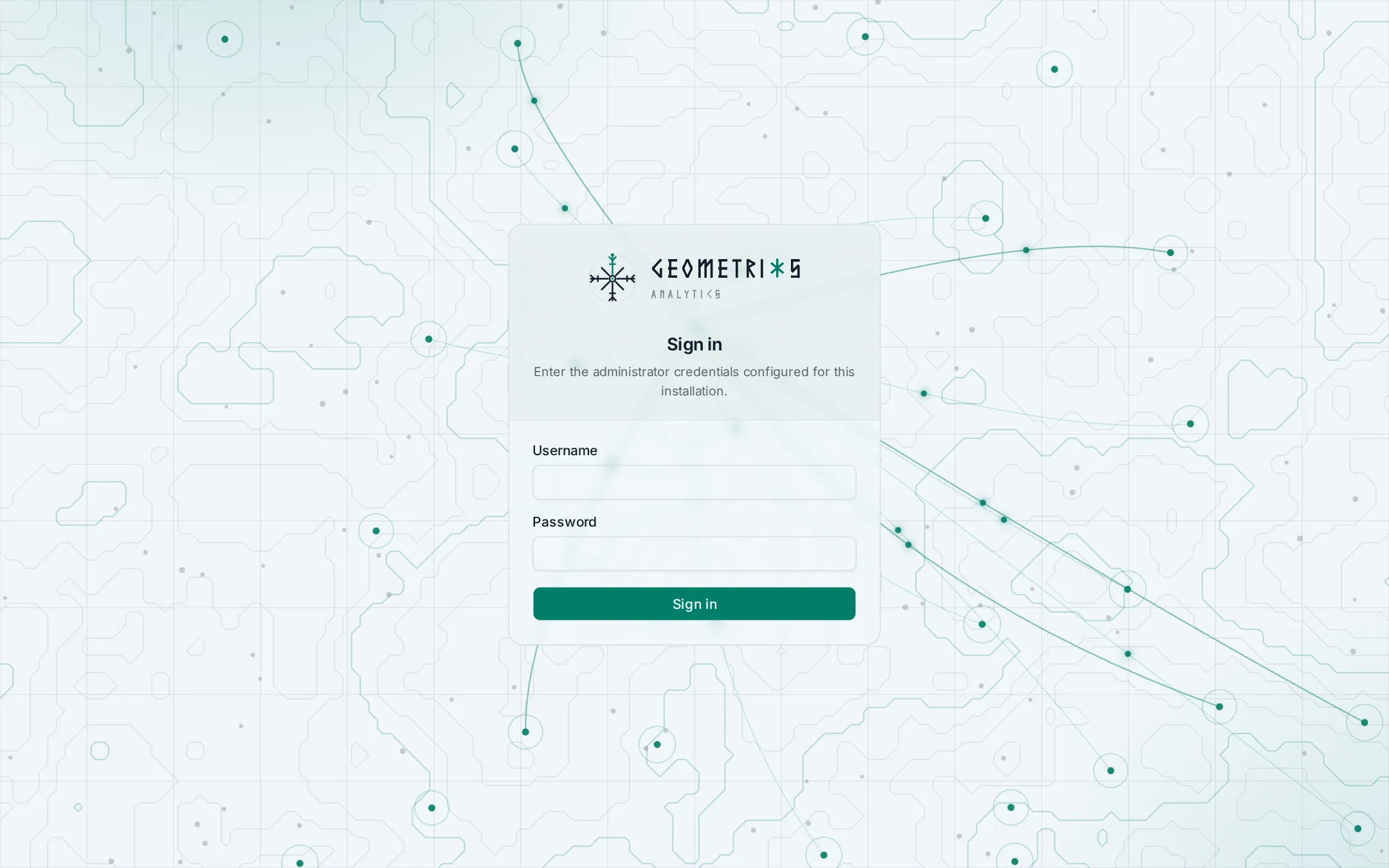
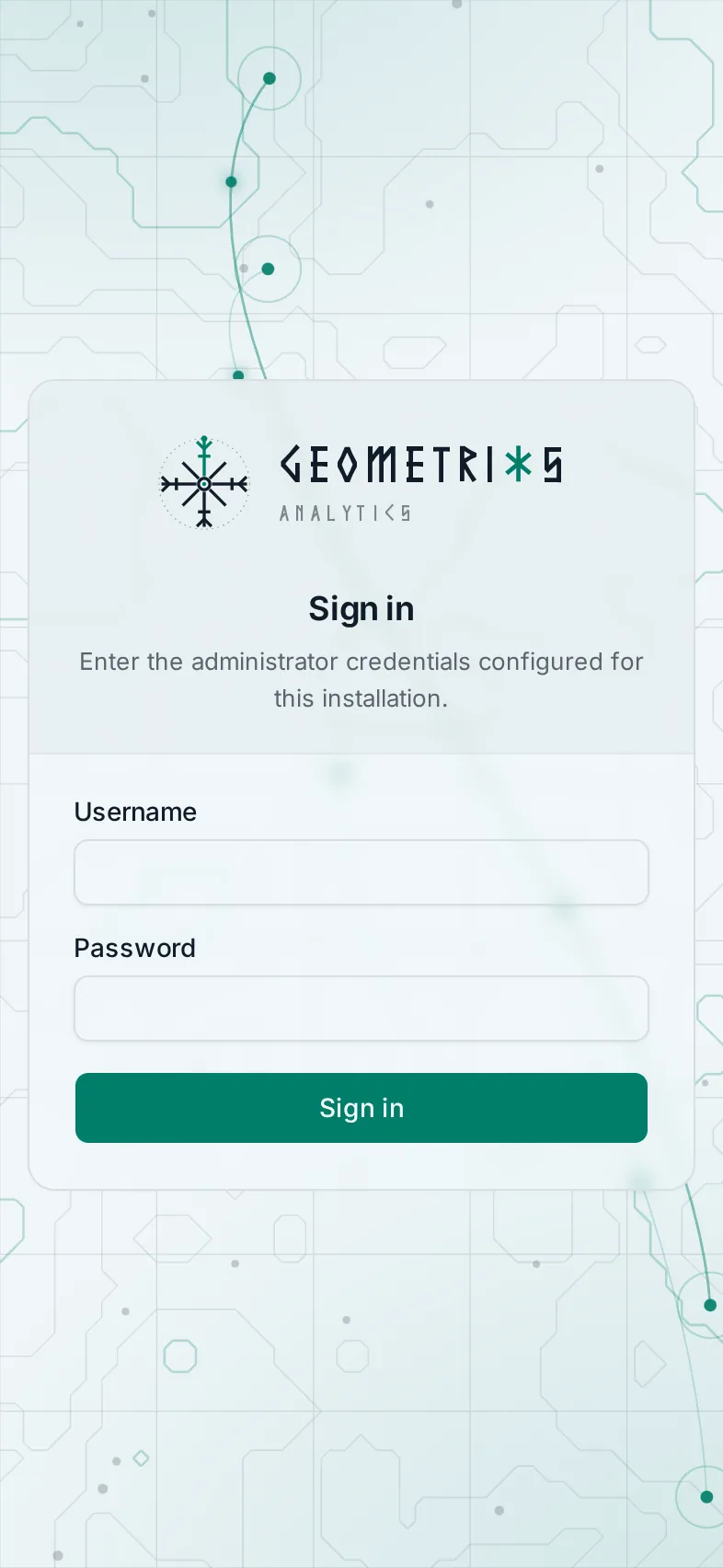
Log in through the web UI at /login or with POST /api/v1/auth/login. Everything under /api/ and /ws/ needs a session or an API key. A few paths stay open, because the login page and health checks need them before anyone has logged in:
- The web app shell and its static files, which the login page is part of.
/sw.js, the service worker that lets the app install as a PWA./healthand/health/ready, for container health checks./schema, the interactive API reference.- The login endpoints themselves:
/api/v1/auth/login,/api/v1/auth/optionsand the two OpenID Connect redirects.
Sessions
GeoMetrikks keeps sessions in the database, so restarts and updates don't log anyone out. A login lasts APP_SESSION_MAX_AGE_DAYS days, 7 by default, and the setting takes 1 to 400. The expiry is absolute. The clock starts when you log in, and using the app doesn't push it back. Each login keeps the lifetime it started with, so a new value only applies to logins made after the change. Raise it for an unattended wall screen.
Each login gets a fresh session id, so a cookie someone planted before the login doesn't survive it.
Changing who may log in ends every session on the next start. That covers the admin user, the admin password, turning password login on or off, and the OpenID Connect issuer, client id, allow lists, groups claim and scopes. API keys are separate and stay valid.
Behind an https proxy, set APP_SESSION_SECURE=true so the browser only sends the cookie over https. OpenID Connect with an https redirect URI requires it. The configuration reference lists it with the other login settings.
Turning the login off
If a reverse proxy in front of the app already makes everyone log in, such as one guarded by Authelia or Authentik, you can turn the built-in login off:
APP_AUTH_DISABLED=trueWith APP_AUTH_DISABLED=true there is no login and no session. Anyone who can reach the port can use every API action, including ban and unban when CrowdSec has machine credentials. The app and the WebSocket feeds are open too. Use it only behind a proxy that authenticates every request, and keep the port closed to everything but that proxy. GeoMetrikks logs an auth_disabled warning at every start while it is on.
API keys do nothing in this mode, and you can't create them. Enabling OpenID Connect together with APP_AUTH_DISABLED=true stops startup.
The login log
GeoMetrikks writes logins, logouts and API key events to login.log in LOG_DIR, as plain text with one line per event, so fail2ban or CrowdSec can watch it. In the container that is /app/logs/login.log. The shipped compose file mounts ./logs there, so on the host the file is logs/login.log next to docker-compose.yml.
Each line has this shape:
2026-11-02T14:03:11Z login_failed user="admin" ip=203.0.113.7That is the UTC timestamp, the event, the user and the client IP. The events are login_success, login_failed, logout, api_key_created, api_key_revoked and api_key_rejected. A failed OpenID Connect login has an empty user="". The JSON app log, geometrikks.log in the same folder, holds the reason. An API key line can end with key="...", the key's name. The app strips quotes, backslashes and control characters from the user, so a crafted username can't forge a line, and an IP that doesn't parse shows as ip=-.
Behind a reverse proxy the IP is the proxy's address unless APP_TRUSTED_PROXIES lists the proxy. Without it, a filter on this file bans your proxy. Real client IP behind a proxy explains the setting.
GeoMetrikks has no login rate limit of its own. Point fail2ban or CrowdSec at login_failed lines to slow down password guessing. Settings > Logs shows the newest lines of the file and lets you download it.
The file rotates at LOG_LOGIN_MAX_BYTES, 10 MiB by default, and keeps LOG_LOGIN_BACKUP_COUNT gzipped archives, 5 by default. If LOG_DIR isn't writable, file logging stops, including login.log, and the app prints an error on the console at startup.